Symphon-E App Manual Charging and Discharging
1. How to use the Symphon-E App Manual Charging and Discharging
Launch the Heckert Solar Online Monitoring.
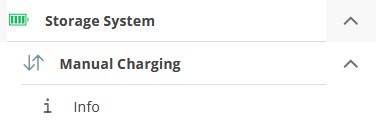
In EMS, navigate to the Storage System chip in the side menu and click or tap on it. This will open a list of all chips available for your system:
|
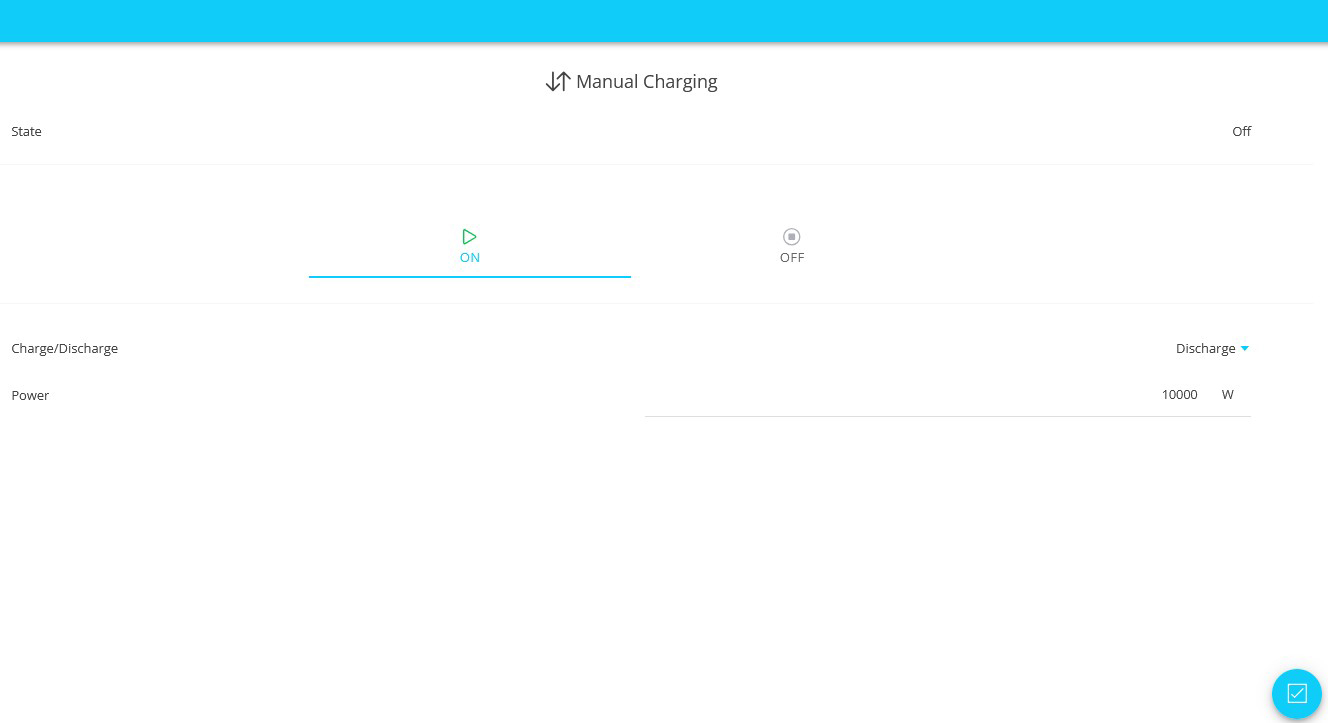
Select the Manual Charging or Manual Discharging chip. This will take you to the main window of Symphon-E App Manual Charging and Discharging. |
There are two user interfaces here:
|
|
|
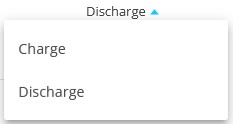
Use the drop-down menu to select whether you want to charge or discharge the electrical energy storage system. |
|
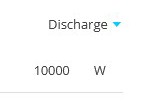
Enter the desired power in watts below. Depending on your view, the power may currently be displayed in kW. |
| The Symphon-E App Manual Charging and Discharging is currently being updated. |

|
|
-
If you have made any changes to the settings, you must confirm them using . Only then will the changes take effect.