Symphon-E App ASKOMA Heating Element Read Access
1. Introduction
Dear customer,
Thank you for choosing the "Symphon-E App ASKOMA Heating Element Read Access". You are welcome to send us your suggestions so that we can further improve the quality of our products.
2. Installation and configuration — Symphon-E App ASKOMA Heating Element Read Access
2.1. Prerequisites
-
The heating element must be connected to the network via LAN.
-
The Heckert Solar energy storage device must be connected to the network.
2.2. Configuration of the heating element
-
Follow the Manual ASKOHEAT+ from ASKOMA.
-
Use the QUICK SETUP.
-
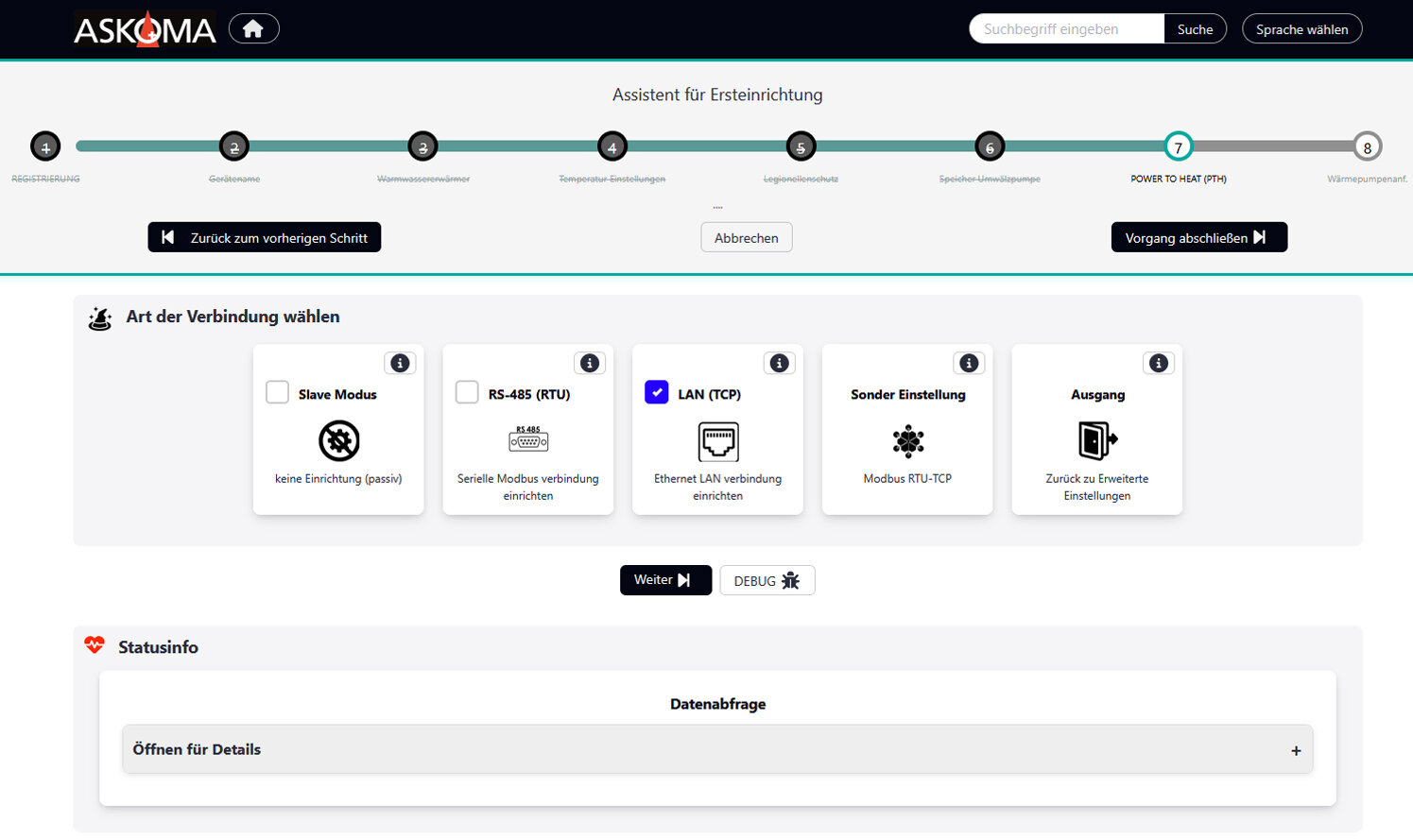
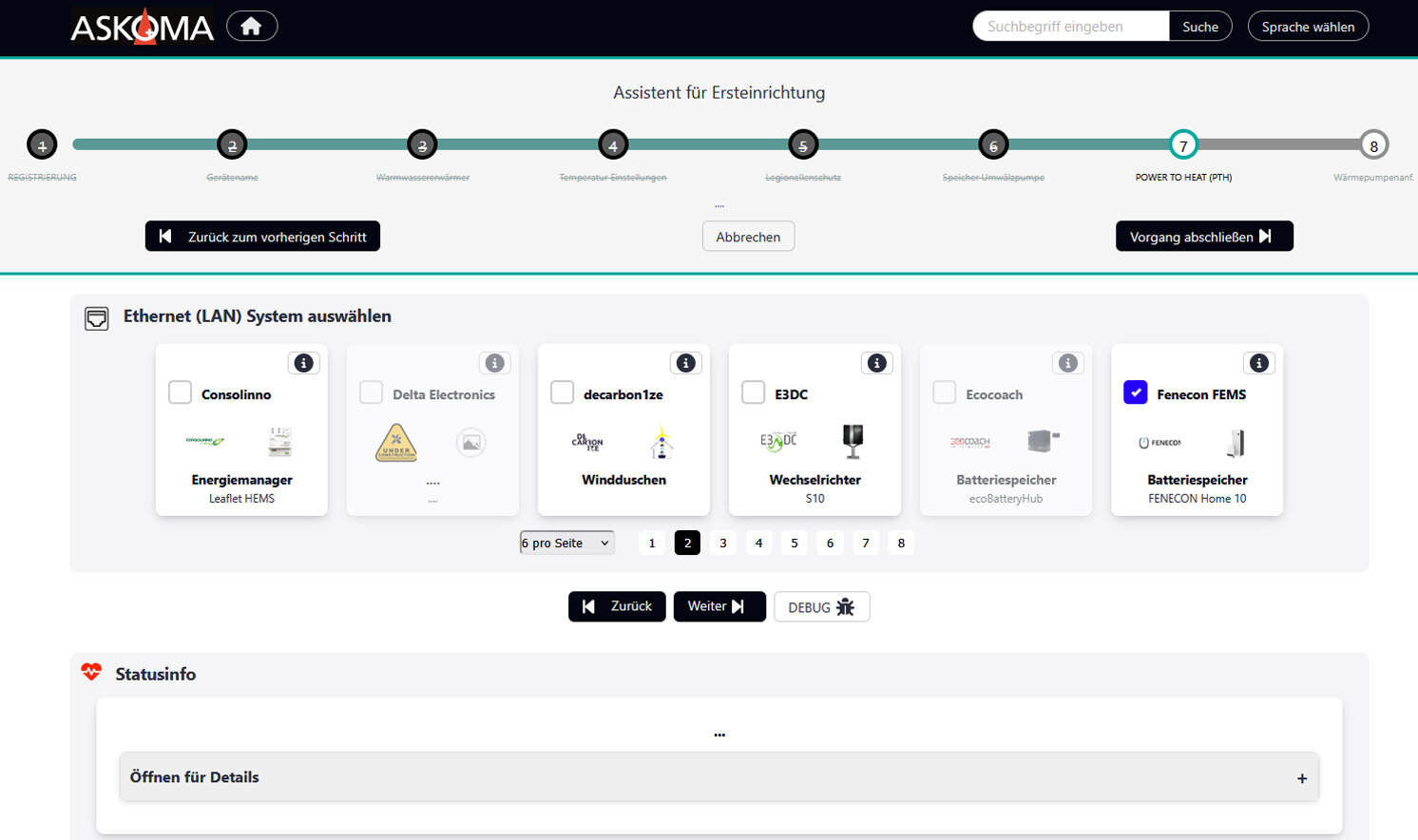
As soon as you have reached point 7 (PTH) of the wizard, continue as follows:
|
|
|
|
|
  [start=3]
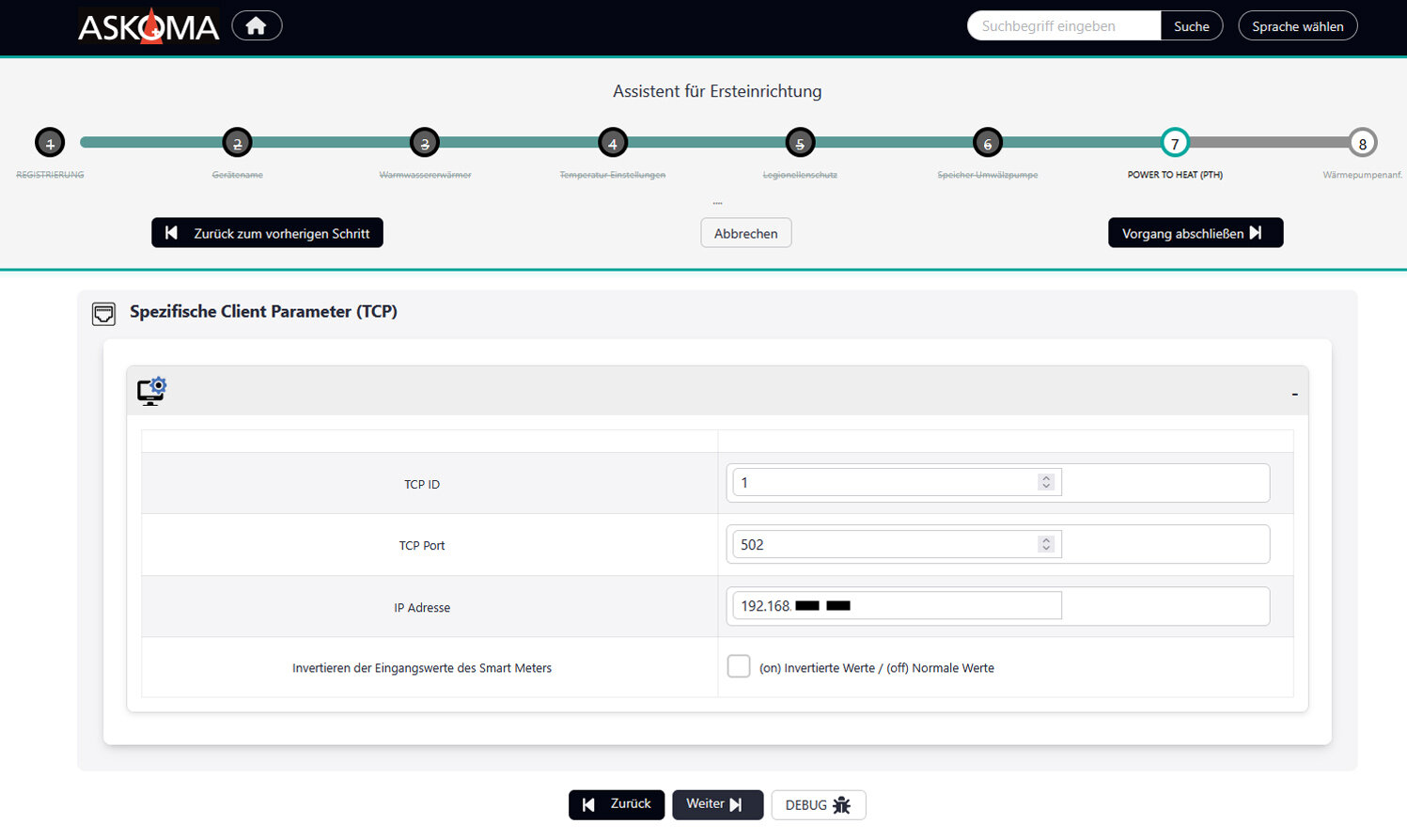
. Enter the number *1* as _TCP ID_.
. Enter the number *502* as _TCP Port_.
. Enter the DHCP IP address of the {ems-name} as the _IP address_.  You can find this in the {oem-name} Online Monitoring by clicking on the burger menu under _Settings_ -> _Network configuration_.
. Click on *Next*.
|
|
|
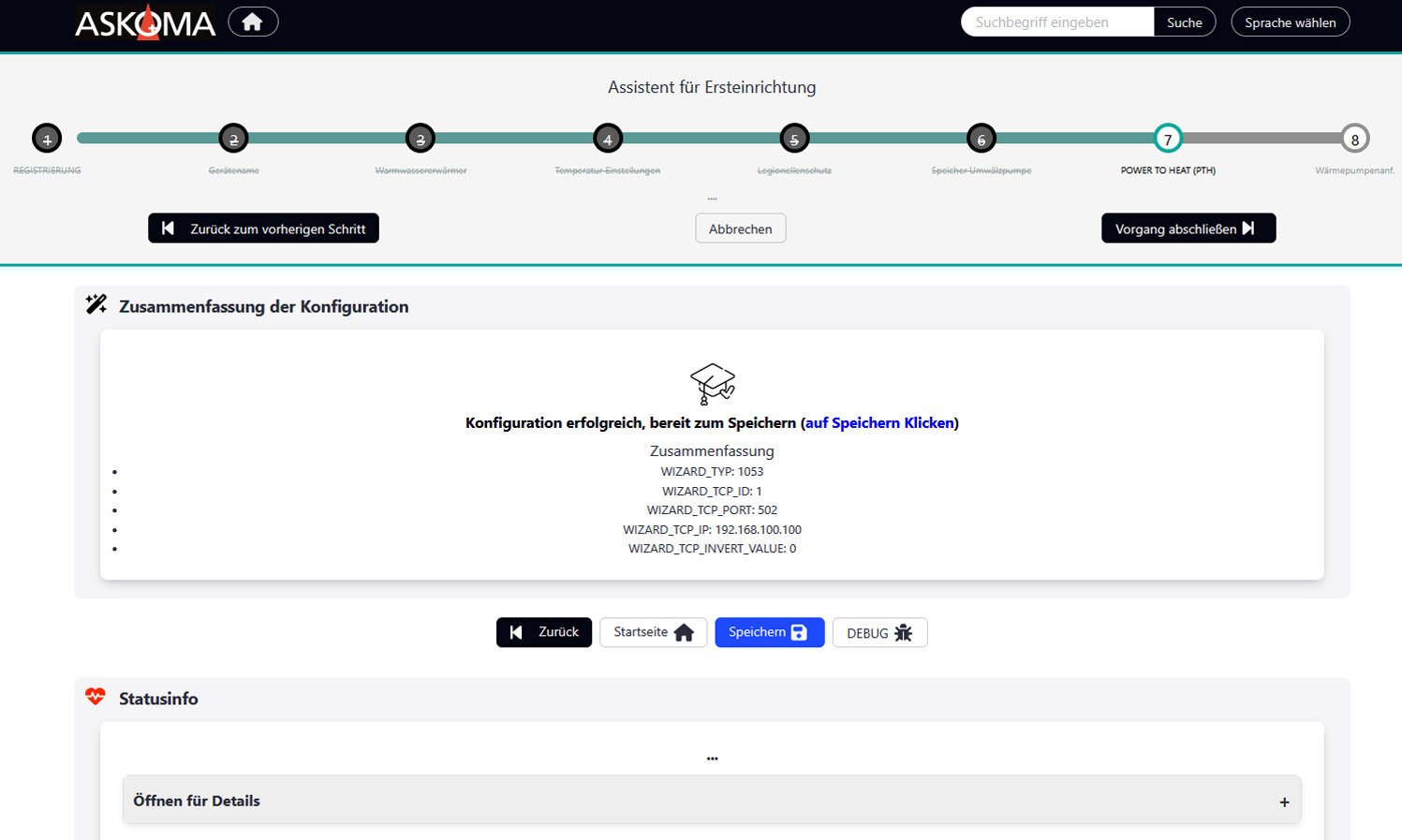
The connection to EMS must now be established.
2.3. Installation of the Symphon-E App ASKOMA Heating Element Read Access
The exact procedure for installing an Symphon-E App can be found here.
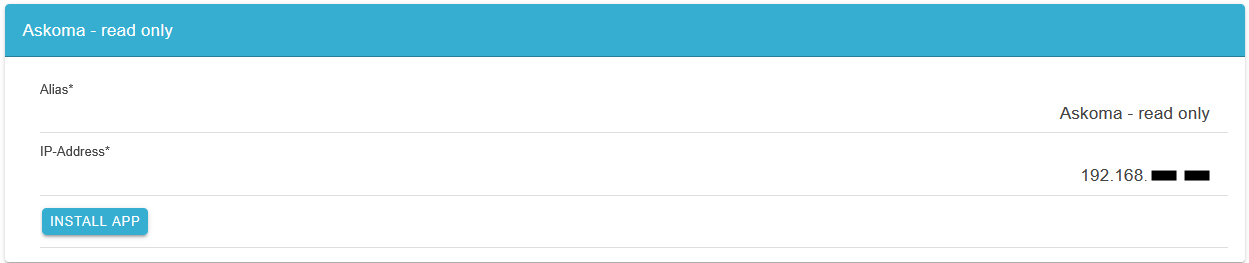
The dynamic IP address of the ASKOMA heating element must be specified during installation. You can obtain this in the ASKOMA web interface.
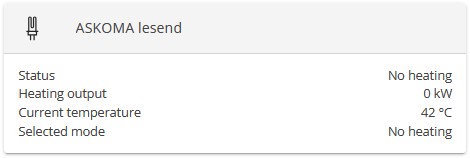
The widget then becomes visible in Online Monitoring:
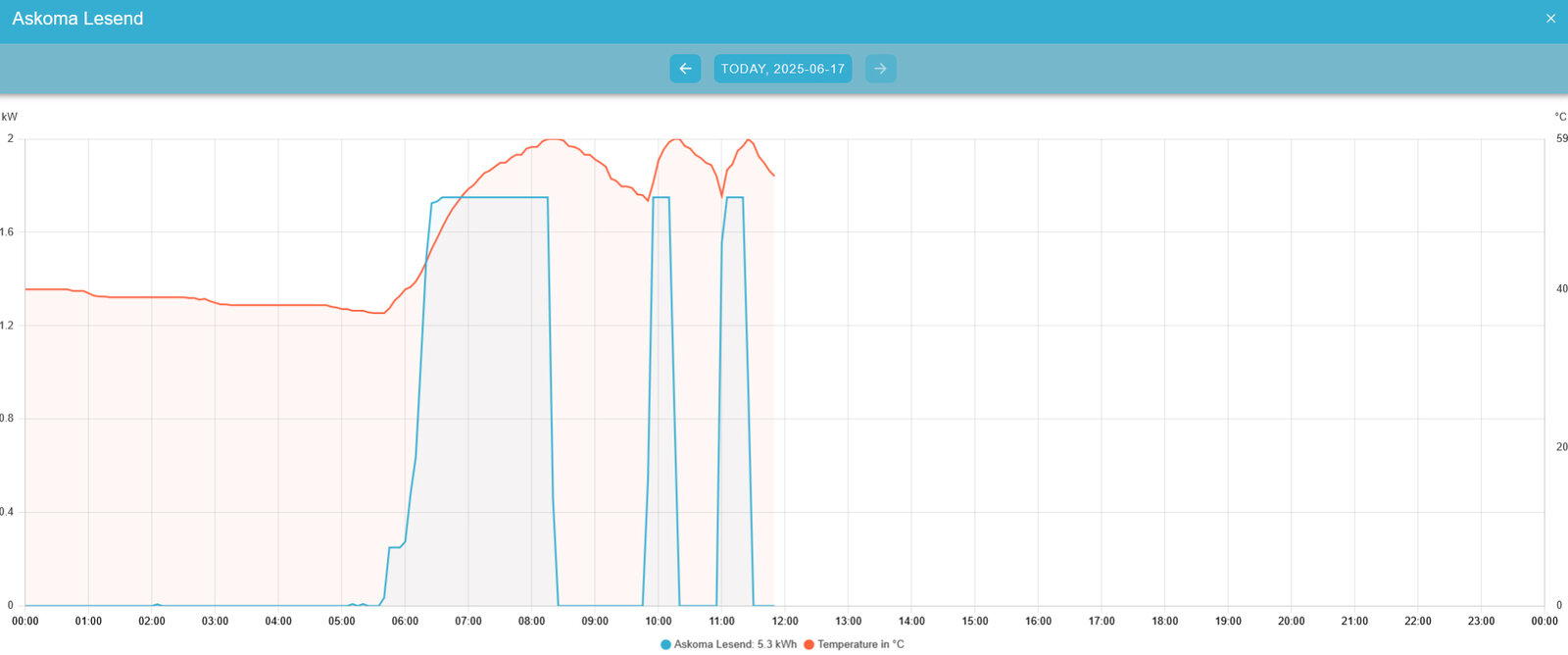
Click on the History tab in Online Monitoring and then click on the ASKOMA widget to open the historical view of the ASKOMA heating element:
-
No further settings need to be made in Energiemanagement System.
-
The installation is now complete.
Optional:
When purchasing the Symphon-E App Power-to-Heat Read Access, it must be installed via the Heckert Solar App Center.